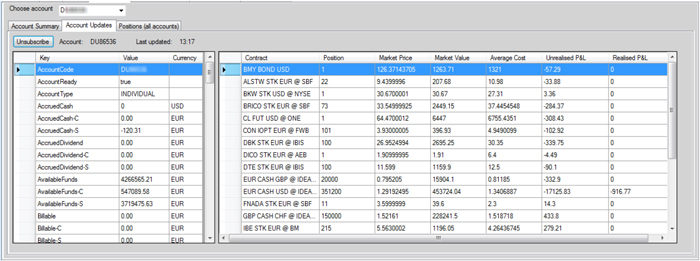
The API contains three different methods to request account and portfolio information:
These methods are represented on the Account Info tab in IBSampleApp .
The reqAccountSummary method provides a quick view of your account’s status, excluding positions. It also lets you request a subset of values using its tags parameter (set tags to “all” to receive the full summary).
In the API sample application, click the Request button on the Account Info > Account Summary tab to send a reqAccountSummary request to TWS.
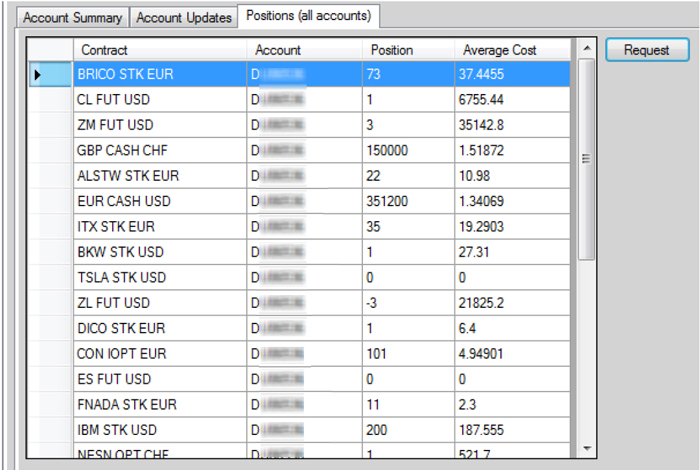
The reqPositions method retrieves all open positions of all managed accounts.
Finally, you can use the reqAccountUpdates method to request a combination of both account information and portfolio from TWS. This method will actually start a subscription, which remains active until you unsubscribe.
Important: Only one managed account can be subscribed at a time. This applies to all connected client applications. Triggering a subscription from a different client when there is a different client already has an active subscription will result in an error message.